
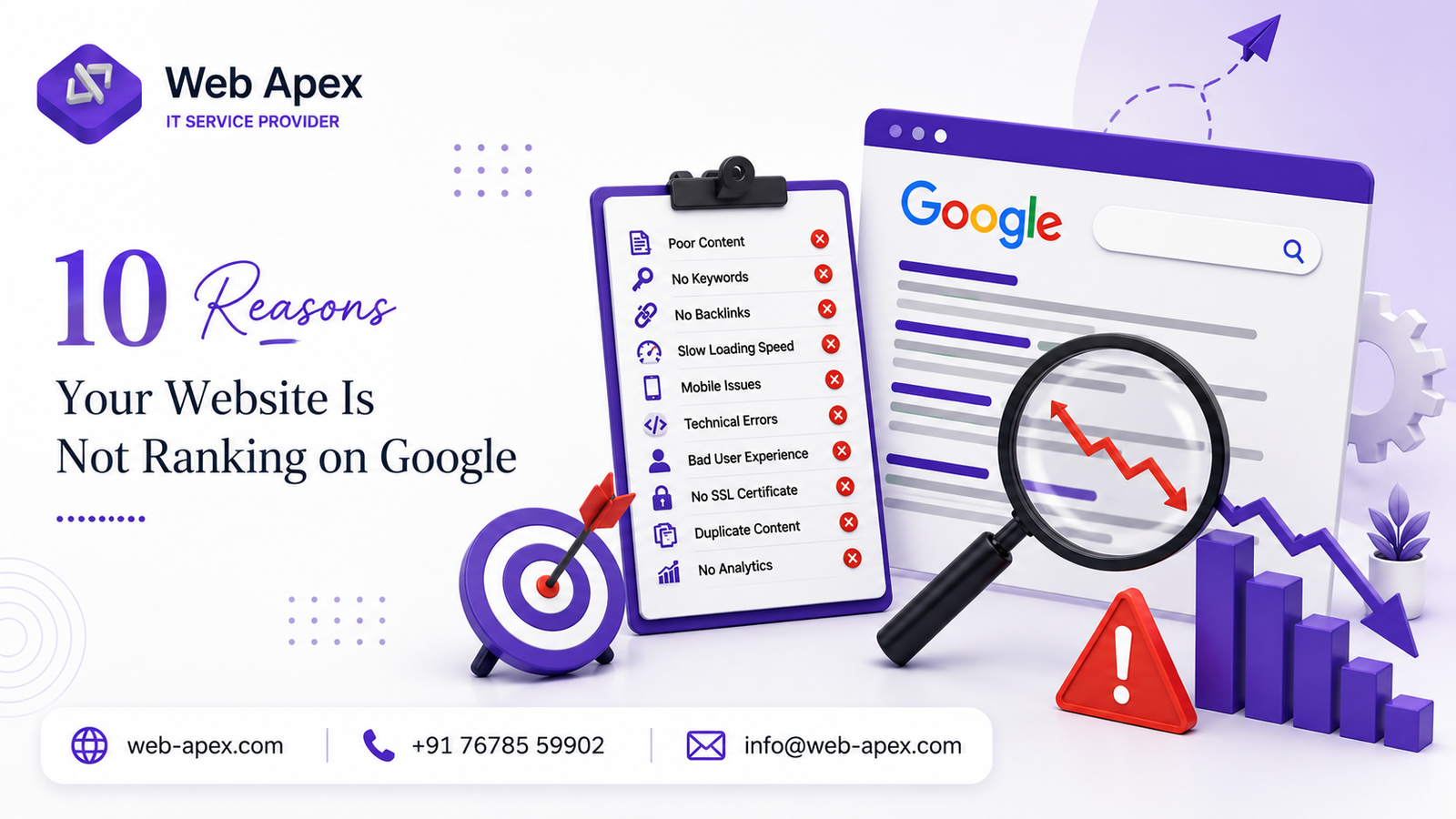
If your website is not ranking on Google despite publishing content and following basic SEO practices, there are usually several reasons behind it. From indexing issues and poor keyword targeting to weak backlinks and technical SEO problems, every one of these issues can limit your visibility in Google Search.
In this guide, you’ll learn the 10 most common reasons your website is not ranking on Google and the practical steps you can take to improve your visibility in Google Search.
Table of Contents
1. Your Website Isn’t Properly Indexed
Before your website can rank, Google has to discover and index it. If key pages aren’t indexed, they won’t appear in search results — no matter how good the content is.
Common causes include:
- Incorrect
robots.txtsettings - Accidental “noindex” meta tags
- Broken internal links
- A missing or outdated XML sitemap
Regularly checking your indexing status through Google Search Console is the easiest way to catch these issues early.
2. You’re Targeting the Wrong Keywords
Many websites either chase highly competitive keywords they have no real chance of ranking for, or target terms their audience never actually searches. Proper keyword research matters more than volume of content.
Instead of only going after broad, high-competition terms, include long-tail keywords that match real user intent — for example, a small business might get more value from a page around “affordable website design for small business in [city]” than from competing head-on for the word “website design.” A proper SEO strategy usually starts by mapping these intent-based keywords before writing a single page. Choosing the right keywords is one of the most important steps if your website is not ranking on Google, as it helps Google understand exactly what your content is about.
3. Your Content Doesn’t Match Search Intent
One of the biggest reasons your website is not ranking on Google is that your content doesn’t match search intent. Google prioritizes content that satisfies what the searcher actually wants. If someone searches for information and lands on a page that’s mostly promotional, it’s unlikely to rank well.
Create content that educates, answers real questions, and solves a problem — informative guides and blog posts often outperform pages that only try to sell.
4. Poor Website Speed
Page loading speed is a confirmed ranking factor and directly affects user experience. Slow websites tend to see higher bounce rates, lower engagement, weaker conversions, and poor Core Web Vitals scores.If your website is not ranking on Google, improving page speed and Core Web Vitals should be one of your top priorities.
Compressing images, cutting unnecessary scripts, enabling browser caching, and using reliable hosting can meaningfully improve performance. You can check your own site’s speed with Google PageSpeed Insights.
5. Weak On-Page SEO
A common reason your website is not ranking on Google is weak on-page SEO. Even well-written content can underperform if the basic on-page elements are missing.
- Unique title tags
- Compelling meta descriptions
- Proper heading structure (H1, H2, H3)
- Optimized image alt text
- Internal linking between related pages
- Natural keyword placement, without stuffing
Each page should clearly signal its topic to both users and search engines. Google’s own SEO Starter Guide is a solid reference for getting these fundamentals right.
6. Low-Quality or Thin Content
Google rewards content that’s genuinely comprehensive and original. Thin pages with very little substance, or content duplicated across multiple pages, rarely perform well. This is another common reason a website is not ranking on Google, even if it has been online for years.
Rather than publishing several short pages on overlapping topics, it’s usually better to publish one thorough page that fully answers the query — for instance, a detailed comparison of website platforms or pricing models does better than several shallow pages saying the same thing in different words.
7. Lack of High-Quality Backlinks
If your website is not ranking on Google, weak or low-quality backlinks could be one of the biggest reasons. Links from reputable, relevant websites signal that your content can be trusted.
Focus on earning backlinks through guest posts, industry directories, research-based content, and genuinely useful resources that other sites want to reference. Avoid buying backlinks or joining spammy link schemes — Google’s link spam guidelines outline exactly what to avoid, and getting caught can do more damage than having no backlinks at all.
8. Poor Mobile Experience
Google uses mobile-first indexing, meaning it evaluates your site’s mobile version before the desktop version.
A mobile-friendly website should load quickly, display properly on all screen sizes, keep text readable without zooming, and offer smooth navigation with easily clickable buttons. You can test this directly using Google’s Mobile-Friendly Test. If your current site fails this test, it may be worth revisiting the underlying website design rather than patching it repeatedly. A poor mobile experience can directly affect why your website is not ranking on Google, especially after Google’s mobile-first indexing update.
9. Technical SEO Problems
Technical issues often go unnoticed but are a major reason your website is not ranking on Google. Problems like broken links, duplicate pages, crawl errors, HTTPS misconfigurations, redirect chains, incorrect canonical tags, and slow server response times can significantly affect rankings.
Regular technical audits catch these before they quietly cost you visibility. This is typically covered under ongoing website maintenance rather than a one-time fix.
10. SEO Takes Time
Many website owners expect results within a few weeks. In reality, SEO is a long-term strategy — Google needs time to crawl new pages, evaluate content quality, understand user engagement, and build trust in a domain.
Consistently publishing useful content, refining existing pages, and improving technical performance tends to produce far better long-term results than chasing quick fixes or shortcuts.If your website is not ranking on Google, don’t expect instant results—consistent SEO improvements take time before Google rewards your pages.
Final Thoughts
There’s rarely a single reason a website fails to rank on Google. Usually it’s a combination — some technical issues, weaker content, imprecise keyword targeting, limited backlinks, and slow performance, all working against each other at once.
The good news is that each of these is fixable with a structured approach: audit the site, improve content quality, resolve technical issues, and build pages that genuinely help the people searching for them. This is the same process we follow at Web Apex when auditing a client’s website — start with what’s actually broken, not just add more content on top of existing problems.
If you’re not sure where your own website stands, a quick website audit can usually pinpoint which of these ten issues is holding you back.
Frequently Asked Questions
Q1. How do I check if my website is indexed by Google?
Search “site:yourdomain.com” directly in Google, or check the Coverage report inside Google Search Console. If pages you expect to see aren’t listed, they likely aren’t indexed yet.
Q2. Does having a blog actually help a website rank higher on Google?
Yes, but only if the content is genuinely useful and targets real search queries. A blog with thin, generic posts adds little value, while well-researched articles that answer specific questions can significantly improve visibility over time.
Q3. Can paid ads (like Google Ads) help while I wait for organic rankings to improve?
Yes. Running paid campaigns can maintain visibility and traffic in the short term while long-term SEO efforts like content and backlinks gradually take effect, since organic ranking improvements often take months to show results.
Q4. What’s the difference between a website audit and just checking Google rankings?
Checking rankings only tells you your current position for specific keywords. A full website audit goes deeper — reviewing indexing, speed, technical errors, and content quality — to identify the actual root causes behind poor visibility.
Q5. Should I hire an SEO agency or try to fix ranking issues myself?
It depends on scale and technical comfort. Minor fixes like meta tags or broken links can often be handled independently, but ongoing technical audits, backlink strategy, and ranking recovery are usually more efficient with experienced help.
Read more: How to Choose a Web Development Company in India (Checklist)